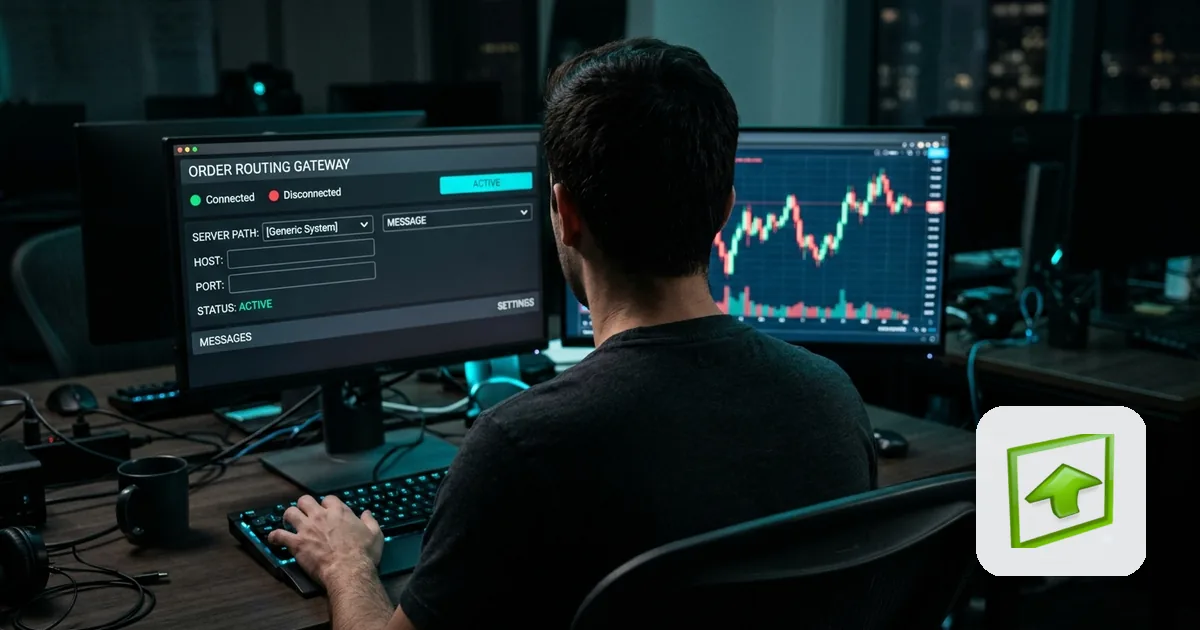
Rithmic is the order-routing and data infrastructure behind a large share of prop firm accounts, including many firms that run their own branded front-end on top of it. Here's how Qloner connects to a Rithmic account specifically, and what makes it different from connecting Tradovate.
Connecting a Rithmic account
Unlike Tradovate's OAuth flow, Rithmic connects with your Rithmic username and password, plus an optional "Prop / Broker" dropdown pre-populated with common prop firms (TopStep, Apex, Bulenox, and others) alongside generic Rithmic environments (Rithmic 01, Rithmic Test, Rithmic Paper Trading). If your firm isn't listed, the field is optional - just leave it unselected and connect with your username and password alone.
Ready to connect? See the step-by-step setup guide →Check the Prop / Broker dropdown first
Most of the prop firms that run on Rithmic are already in Qloner's dropdown, so there's usually nothing to look up - just pick your firm from the list. If your specific firm (or account tier) isn't listed, don't worry about finding an exact match: the field is optional, so leaving it unselected and connecting with just your Rithmic username and password works fine.
What Qloner copies from a Rithmic leader
The same order-level copying applies as with Tradovate: entries, exits, modifications, and partial closes on the leader mirror to every follower at that follower's own copy ratio, regardless of which front-end placed the original order on the leader's Rithmic account - NinjaTrader, Quantower, Sierra Chart, ATAS, and others all route through the same underlying Rithmic connection.
Rithmic as a follower, and mixing with Tradovate
A Rithmic account works as a follower the same way a Tradovate one does - its own copy ratio, its own daily loss limit and profit target, independent of the leader. Leader and follower don't need to be on the same broker at all; a Tradovate leader can drive a Rithmic follower or vice versa (see the Tradovate vs. Rithmic spoke in the Trade Copier Buying Guide pillar for more on mixing them).
What you need before connecting a Rithmic account
- Your Rithmic username and password
- Your prop firm's name, if it's one of the built-in dropdown options (TopStep, Apex, Bulenox, and others) - the field is optional, so it's fine to leave blank if it's not
- Confirm copy trading is permitted for this specific account under your firm's rules
- If it's a follower, leave Copy off until its ratio and daily loss limit are set for its own size
Rithmic Leader vs. Follower
| As a Leader | As a Follower | |
|---|---|---|
| What happens | Every order on the account mirrors out to your followers | Copied orders land automatically, sized by your copy ratio |
| What you configure | Rithmic credentials + prop-firm selection | Rithmic credentials, prop-firm selection, copy ratio, and daily loss limit |
| Copy toggle | Not applicable | Off by default until ratio and daily loss limit are set |
Frequently Asked Questions
The field is optional - leave it unselected and connect with just your Rithmic username and password.
More posts