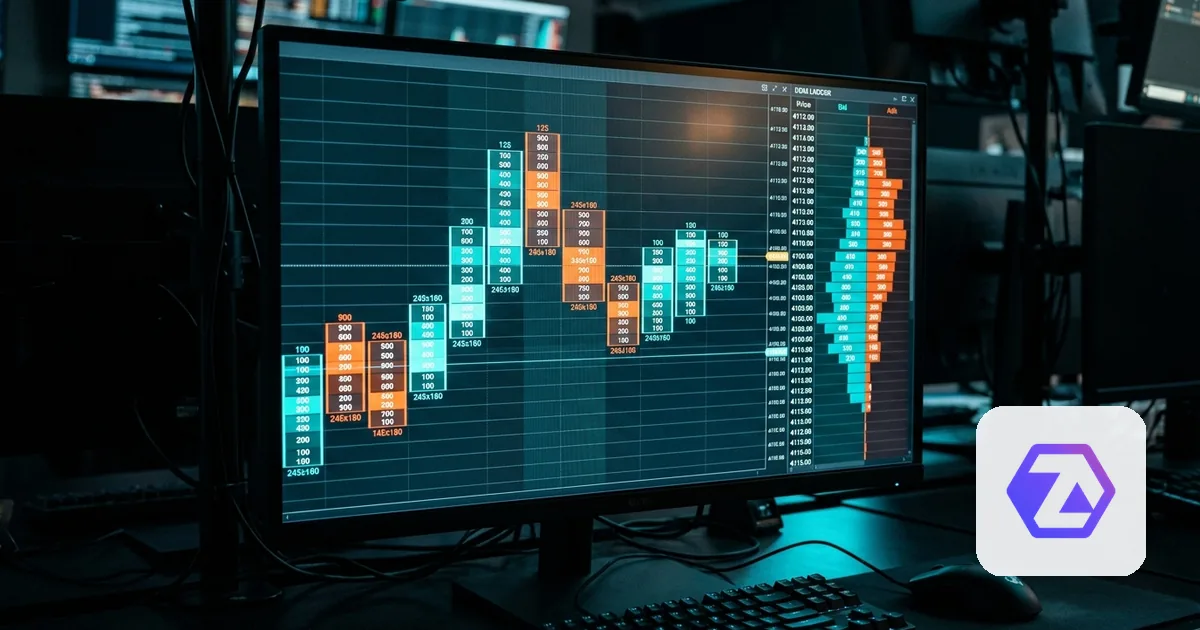
ATAS is an order-flow and footprint-charting platform popular with futures traders who trade off volume and order-book detail rather than plain candlesticks. Like NinjaTrader, it's a front-end - the account underneath is Rithmic or Tradovate, and that's what Qloner connects to.
ATAS runs on Rithmic or Tradovate underneath
ATAS supports both Rithmic and Tradovate as execution connections, so which one your account uses depends on how your prop firm provisioned it, not on ATAS itself. Check the Rithmic and Tradovate spokes in this pillar for the specific connection each one needs in Qloner.
What copies from an ATAS-based leader
An order placed from ATAS's order-flow ladder or footprint chart reaches the underlying broker account exactly like an order placed anywhere else - Qloner copies it the same way, at the account level, without any ATAS-specific setup.
Why traders pick ATAS specifically
ATAS's order-flow tools (footprint charts, volume profile, delta) are the draw - it's a charting and analysis choice, not a different way of holding funds or clearing trades. That's exactly why it doesn't change anything about how copy trading works: the account, the risk limits, and the copying all live at the broker level, one step below whatever you're looking at on screen.
Before connecting an ATAS-based account to Qloner
- Confirm whether your ATAS account executes through Rithmic or Tradovate
- Set up that underlying connection in Qloner (Rithmic credentials + system, or Tradovate OAuth)
- Confirm copy trading is permitted for this account under your prop firm's rules
- If it's a follower, leave Copy off until its ratio and daily loss limit match its own size
ATAS on Rithmic vs. on Tradovate
| ATAS on Rithmic | ATAS on Tradovate | |
|---|---|---|
| Qloner connects to | Your Rithmic account (username, password, prop firm) | Your Tradovate account (OAuth) |
| Common with | Accounts provisioned through a prop firm's Rithmic infrastructure | Accounts opened directly on Tradovate |
| What you configure in Qloner | Rithmic credentials + prop-firm selection | The Tradovate OAuth connection |
Frequently Asked Questions
No. Qloner connects to whichever broker your ATAS account actually runs on - Rithmic or Tradovate - there's no separate ATAS integration to configure.
More posts